Document your strategies, map by map.
labre brings your strategic thinking into one space: a block-based document editor as complete as Notion, and an infinite whiteboard as free as Miro — for the same object.
Generously free · No lock-in, export anytime
Five notations, one editor
labre speaks the visual languages you already use. Pick a framework and start mapping — each one is a first-class citizen of the canvas.
Add a frameworkThree activities, one space
A library for strategic documentation — neither a wiki nor a project manager. Write, draw, find, without switching tools.
Write
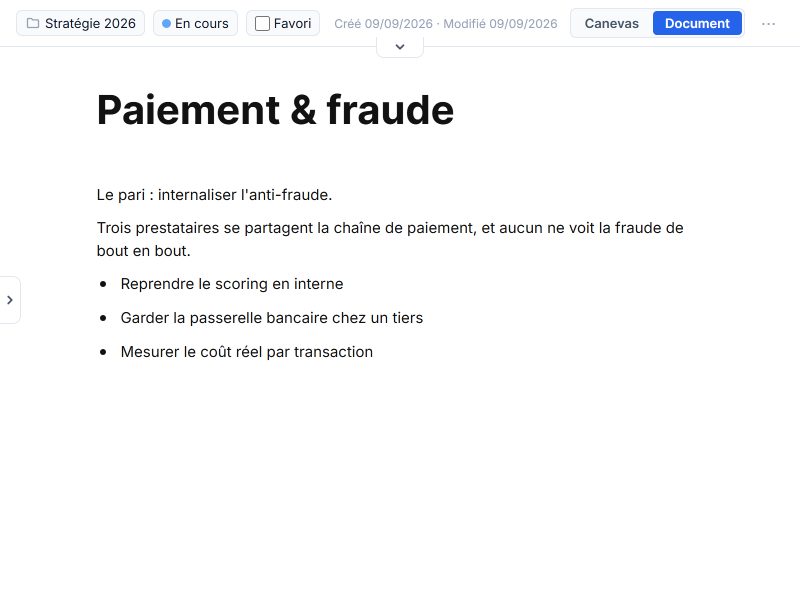
A real block-based document editor: markdown as you type, a slash command menu, tables, databases, page links, a property bar at the top. Prose gets as much room as drawing.
Draw
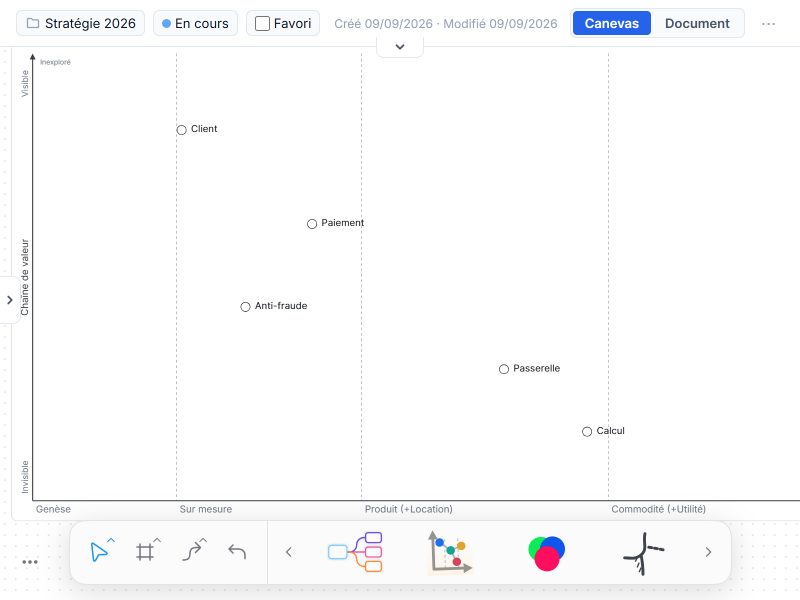
Maps, models and processes on an infinite whiteboard: shapes, connectors, pen, frames, mind maps. Every component becomes a documentable card, one click away.
Find
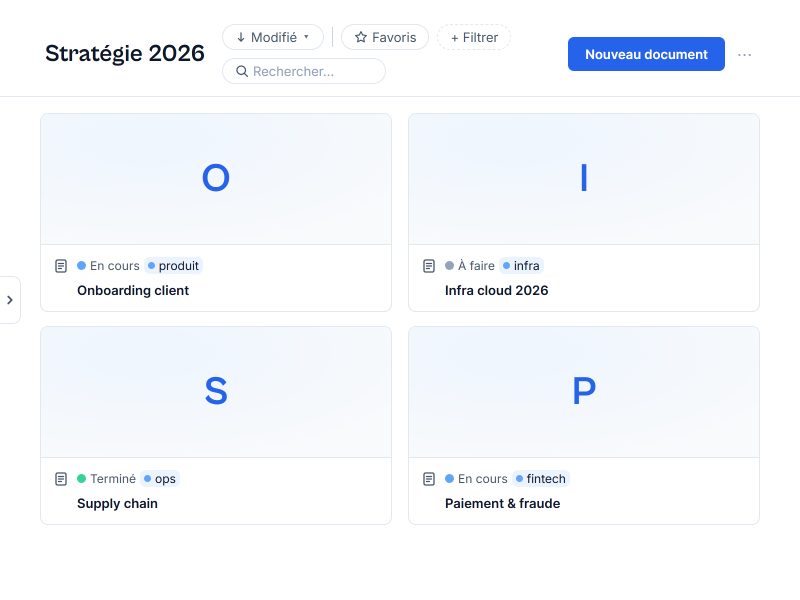
Sort your documents into collections, view them as a gallery, a table or a list, filter by facet, nest at any depth. ⌘K search finds any page by name or property. Nothing gets lost.
One object, two faces
A canvas to think, a document to explain.
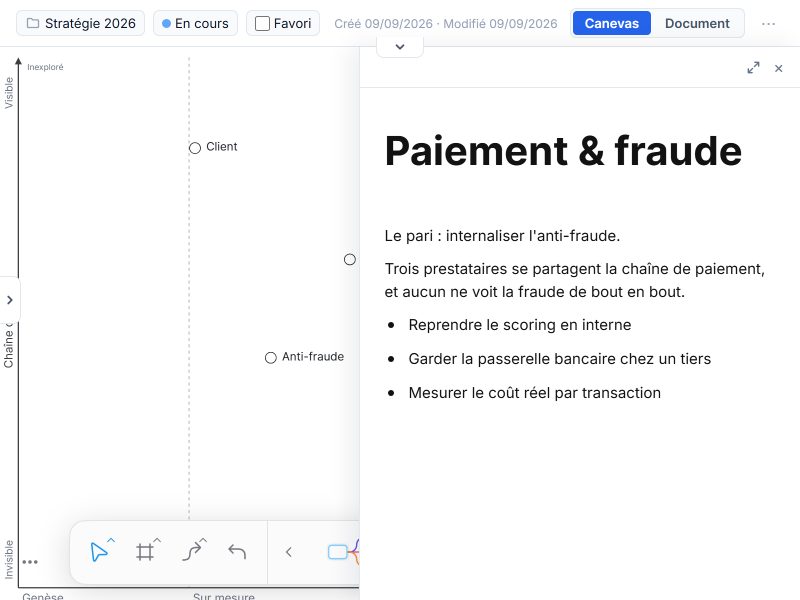
Switch from one face to the other without ever duplicating: the map you draw and the text that tells its story are one and the same.
- Canvas.
- Infinite whiteboard, linked nodes, evolution / value axes — entry friction tends to zero.
- Document.
- A linear, block-based page to describe choices and bets: markdown as you type, tables, properties at the top. Everything stays in sync.
- Sharing.
- Publish read-only via a simple link, or invite someone to write with you.
Everything a document editor should do. And everything a whiteboard allows.
One editor serves both faces. On the document side you get what you expect from Notion: blocks, markdown as you type, databases, links between pages. On the canvas side, the freedom of Miro, with strategic notations on top. Here is the inventory.
Document
A linear page made of blocks, driven from the keyboard.
- Markdown as you type.
- Type # for a heading, - for a bullet, 1. for a numbered list, [] for a checkbox, > for a quote: the line transforms while you write. The / key opens the command menu. Paste markdown and it becomes blocks; copy blocks and you get markdown back.
- Every block.
- Headings, bulleted, numbered and to-do lists, quotes, dividers, callouts, code blocks with syntax highlighting, LaTeX formulas, images, file attachments, bookmarks and embeds (YouTube, Figma, GitHub, Loom, iframe).
- Tables synced with your collections.
- A typed-column table sitting inline in the document. Promote it to a collection and it stops being a dead grid: every row becomes a real document, every column a shared property. Point a table at an existing collection to surface it where it is being discussed, or unsync it to freeze it in place.
- Links between pages.
- The @ key cites another document: the mention becomes a live link, and the cited page knows what points at it. Footnotes anchor sources where they are needed.
Canvas
An infinite whiteboard, as free as Miro.
- The whiteboard toolkit.
- Shapes, free text, pen, connectors that stay attached to objects, notes, groups and frames. Zoom, alignment, stacking order, and a work surface that never runs out.
- Multi-framework, first-class.
- Wardley, EDGY, Cynefin, BPMN, DDD and mind maps are not drawings in disguise: they are objects the editor understands, with their axes, their rules, their automatic layout and their ready-to-insert templates.
- Presentation mode.
- Cut the map into frames, then hit present: the canvas goes full screen and steps from one frame to the next. Nothing to export, nothing to keep up to date — the deck is the map.
- The document on the canvas.
- Drop a rich-text note in the middle of the map, with the same blocks as the page. Reference another document and it renders as a live card, not a screenshot.
Built in the open
An open editor at the core
The whole editor — the page as much as the canvas — comes from an open-source library, a fork of BlockSuite. The community that maps strategy doesn't just use it; it shapes the blocks and the notations themselves.
The editor library
MPL-2.0Every block in the document and every framework on the canvas lives in our open editor library — a fork of BlockSuite, under MPL-2.0. Add a new notation, fix a behaviour or extend an existing one by pull request, reviewed in the open.
Contribute a framework